Author | Jackie
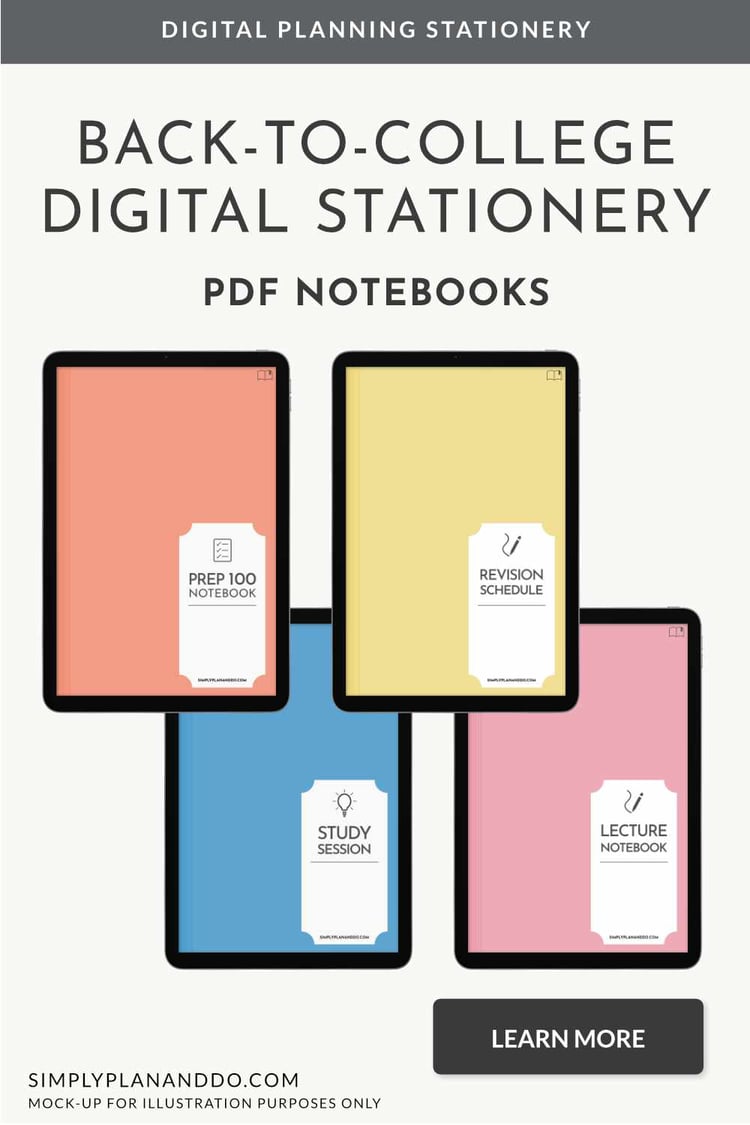
Get back-to-college ready with this range of student-specific digital stationery.
Already back at college knee deep in work and feel you should be better organised? Then this is worth a read for you too!
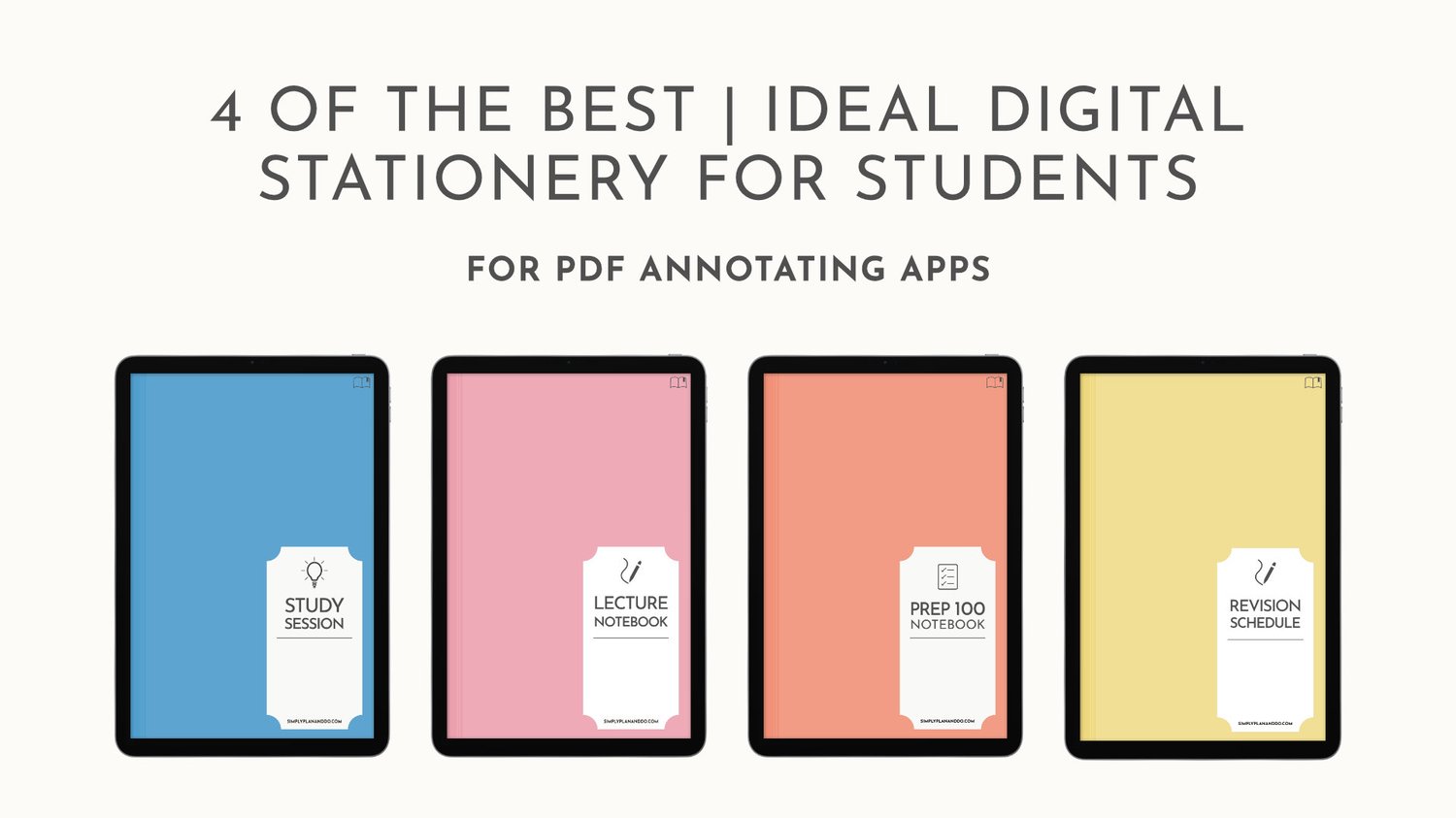
Below, we'll look in more detail at the following notebooks:
1 | Lecture Prep
2 | Lecture Notes
3 | Study Session
4 | Revision Scheduler
Notebook Features
All these notebooks include Smart features that work with the Apple Shortcuts app. These can be quickly accessed from the side menu and are great for adding reminders, appointments, or timers without leaving the comfort of your current notebook!
These study notebooks are available in Portrait or Landscape orientation, with a Monday or Sunday start for the Revision Scheduler.
Let's take a closer look.
1 | Lecture Prep notebook
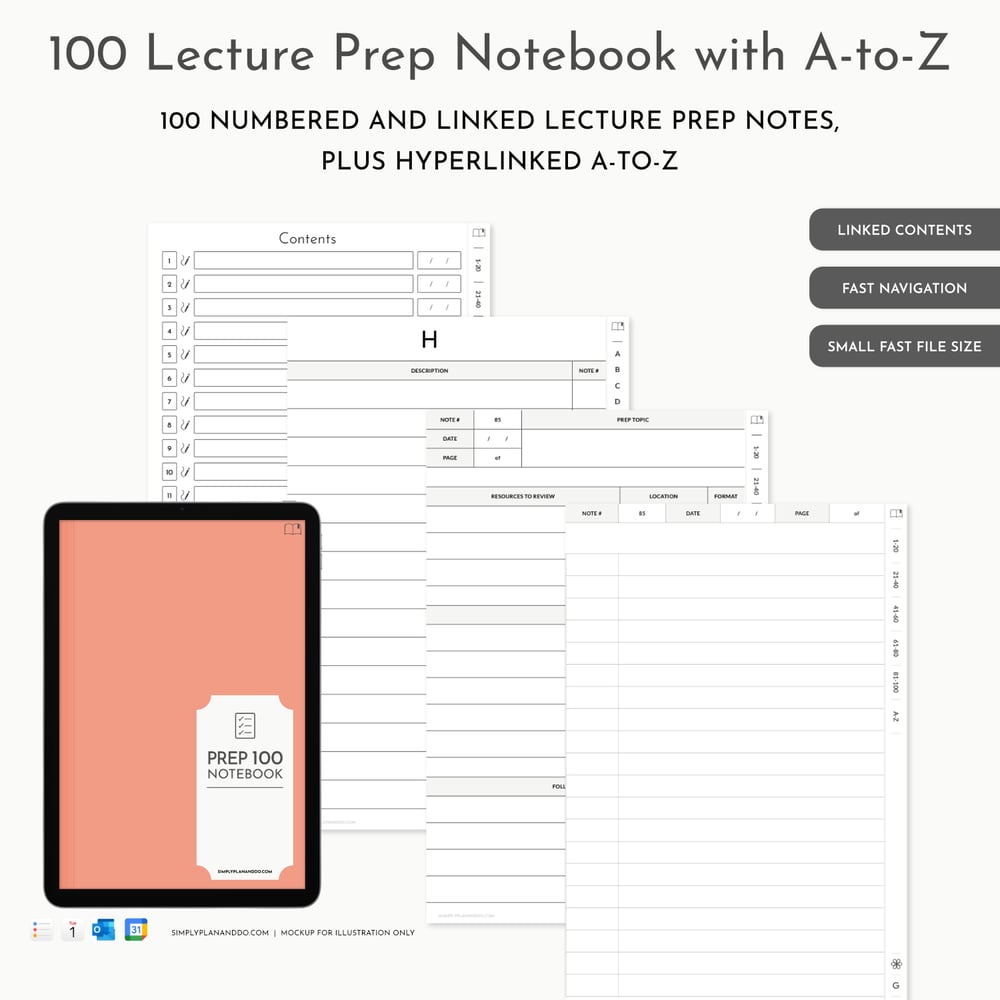
The Lecture Prep notebook is designed to hold 100 lecture prep sessions.
The Lecture Prep sessions are hyperlinked from a Contents page, and each has two pages.
The first page provides space for you to note down:
- the resources you need to cover during the prep session, including their location and format e.g. video, presentation, academic paper etc;
- the key points you draw from the session; and
- any questions you have that you want to raise with your tutor or fellow students.
The second page is a lined notes page, which can be duplicated as many times as needed.
With the increased use of flipped classrooms, this Lecture Prep notebook is a great way to prepare ahead and make the most of the face-to-face time you have with your tutor.
The Lecture Prep notebook also includes a hyperlinked A-to-Z section so you can build a valuable reference to key points, diagrams, or notes.
100 Lecture Prep notebook | Portrait or Landscape
2 | Lecture Notes notebook
The Lecture Notes notebook is designed to hold 30 lectures.
The Lecture Notes are hyperlinked from a Contents page, and each note has eight pages.
There is a page for:
- Notes
- Key Terms
- Diagrams
- Checklist
- Summary
- References
- Mindmap
- Questions
Some pages will be useful during the lecture, the obvious one being the Notes Page (which can be duplicated as many times as needed).
Other pages will be more useful after a lecture. For example: reviewing notes and pulling out Key Terms or writing a Summary.
You may wish to add further Diagrams when you have more time, or use the Mindmap page to simplify your notes and check your understanding.
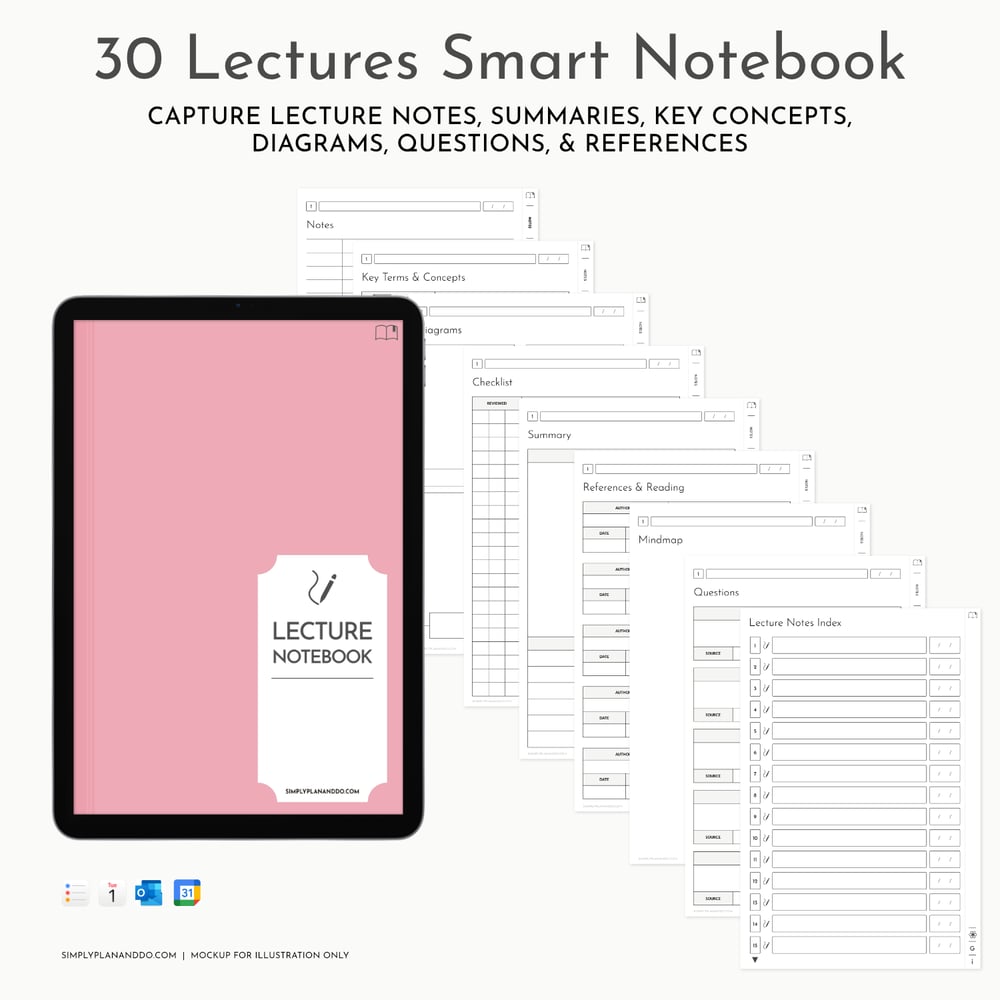
30 Lectures Smart Notebook | Portrait or Landscape
3 | Study Session notebook
The Study Session notebook is designed to hold 30 sessions.
The Study Sessions are hyperlinked from a Contents page, and each note has five pages.
There is a page for:
- Topic Overview
- Notes
- Diagrams
- Questions
- Resources
The Contents link takes you to a Topic Overview. Here you can make a note of Key Points and write a Topic Summary.
There is a lined Notes page for more detailed notetaking. These more detailed notes will feed into the Topic Overview key points and summary.
There is a Diagrams page to record key graphic information. Plus a Questions page where you can test your knowledge with tutor-set or past-paper questions.
The Resources page helps you keep track of helpful resources you can review in future Study or Revision Sessions.
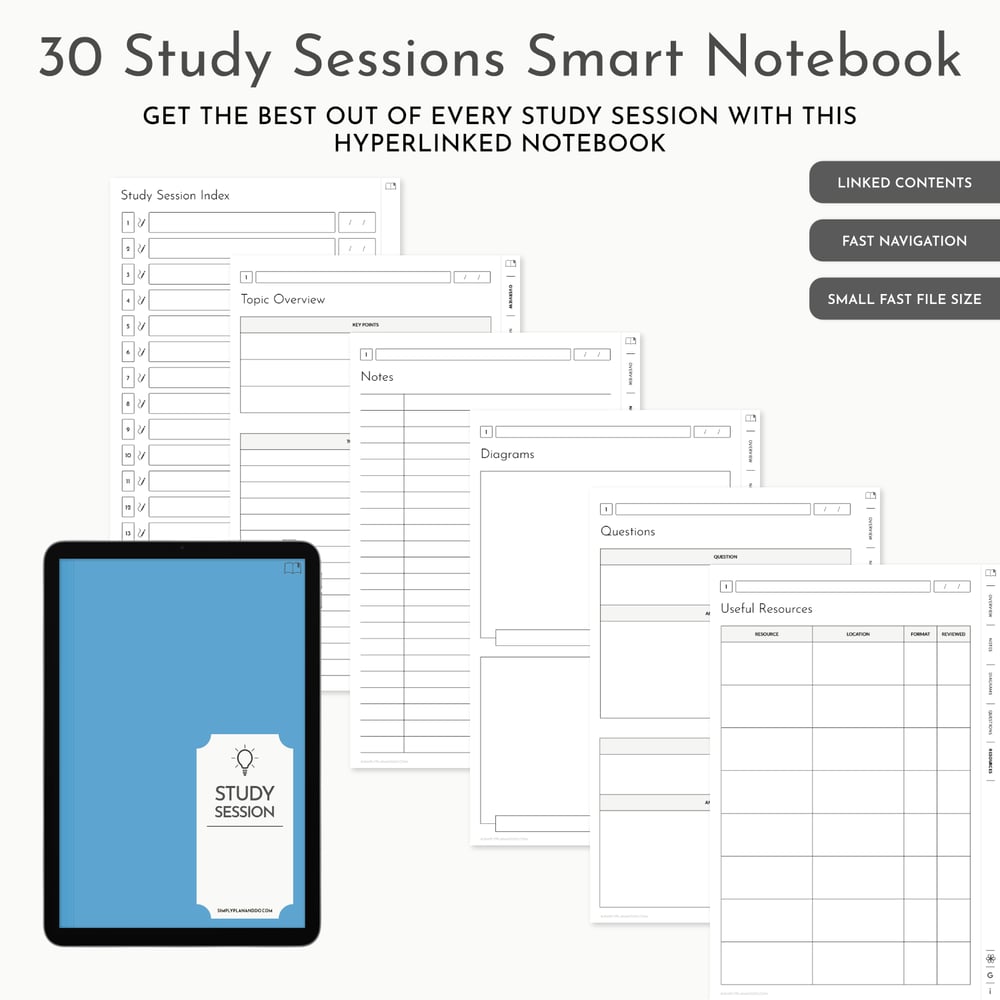
30 Study Session Notebook | Portrait or Landscape
4 | Revision Scheduler notebook
The Weekly Schedule - available in both Monday and Sunday starts - contains 30 weeks of schedules.
Each Weekly Schedule has a 7-day week to view layout, scheduled from 7am to 10pm, with a subject colour key.
Each Daily Schedule page has a subject/topic list with a checkmark column, and a 7am to 10pm schedule broken down into 15 minute slots.
The Weekly Schedule is undated so can start using the notebook at any point in the year. There is a blank space on the Contents and Weekly Schedule pages to add a week commencing date.
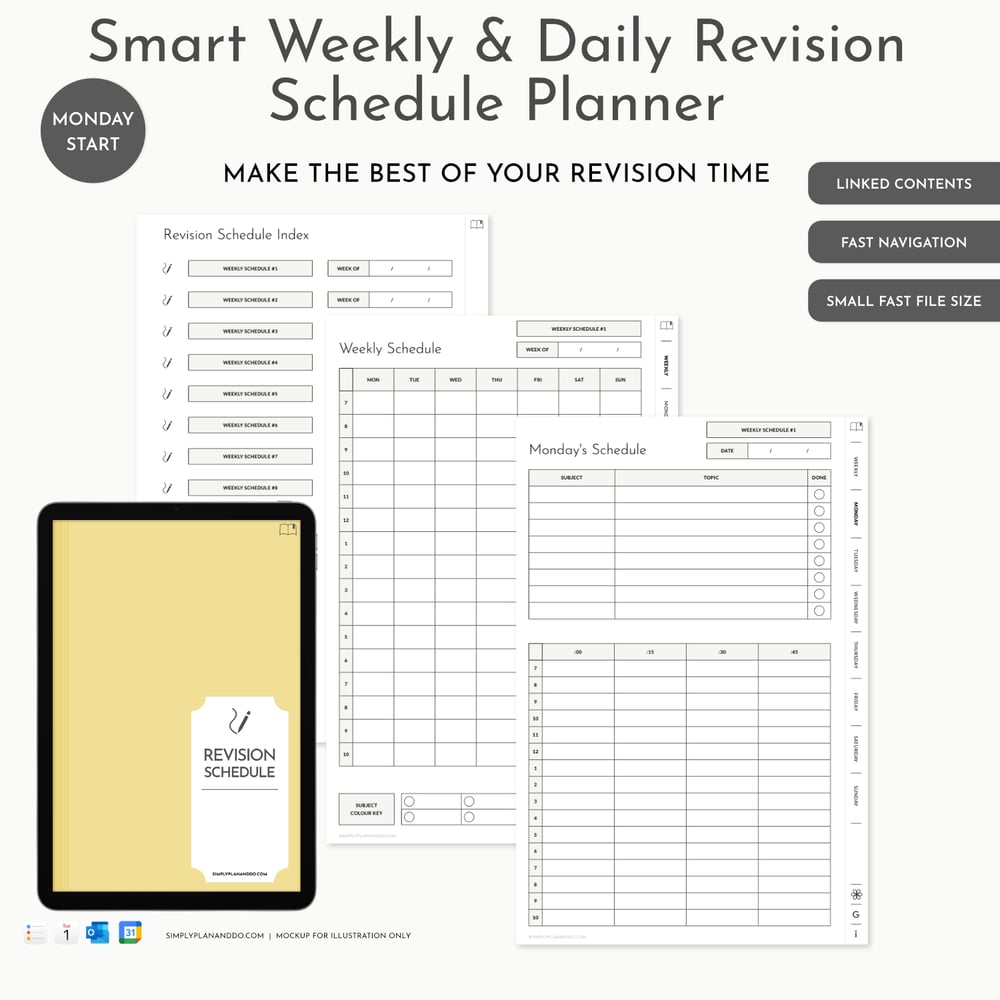
Weekly & Daily Revision Schedule Planner | Portrait or Landscape
Conclusion
If you are looking for more structure to your class notes and study sessions, these student notebooks are designed with you in mind. They help you get the most out of your study time. From pre-lecture prep through to revision schedules, this collection of student notebooks will keep you on track and productive.
~ PIN THIS BLOG POST TO READ LATER ~