

Author | Jackie An Affinity Template is a great base structure for digital planner design. The core pages such as monthly and weekly are designed and the hyperlinks are in place. A ready-made template is a genuine time saver. But, a generic planner...
Read More
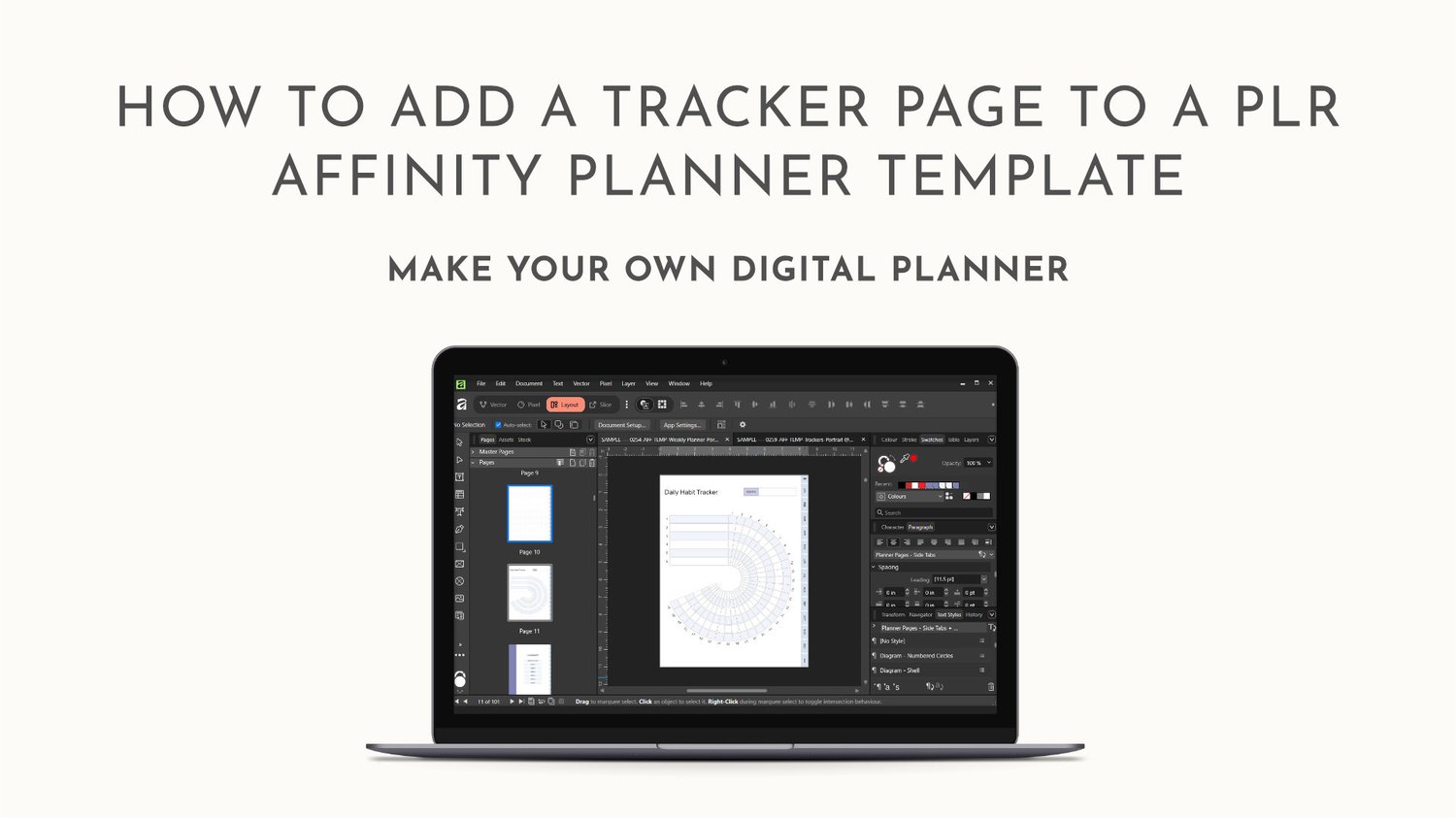
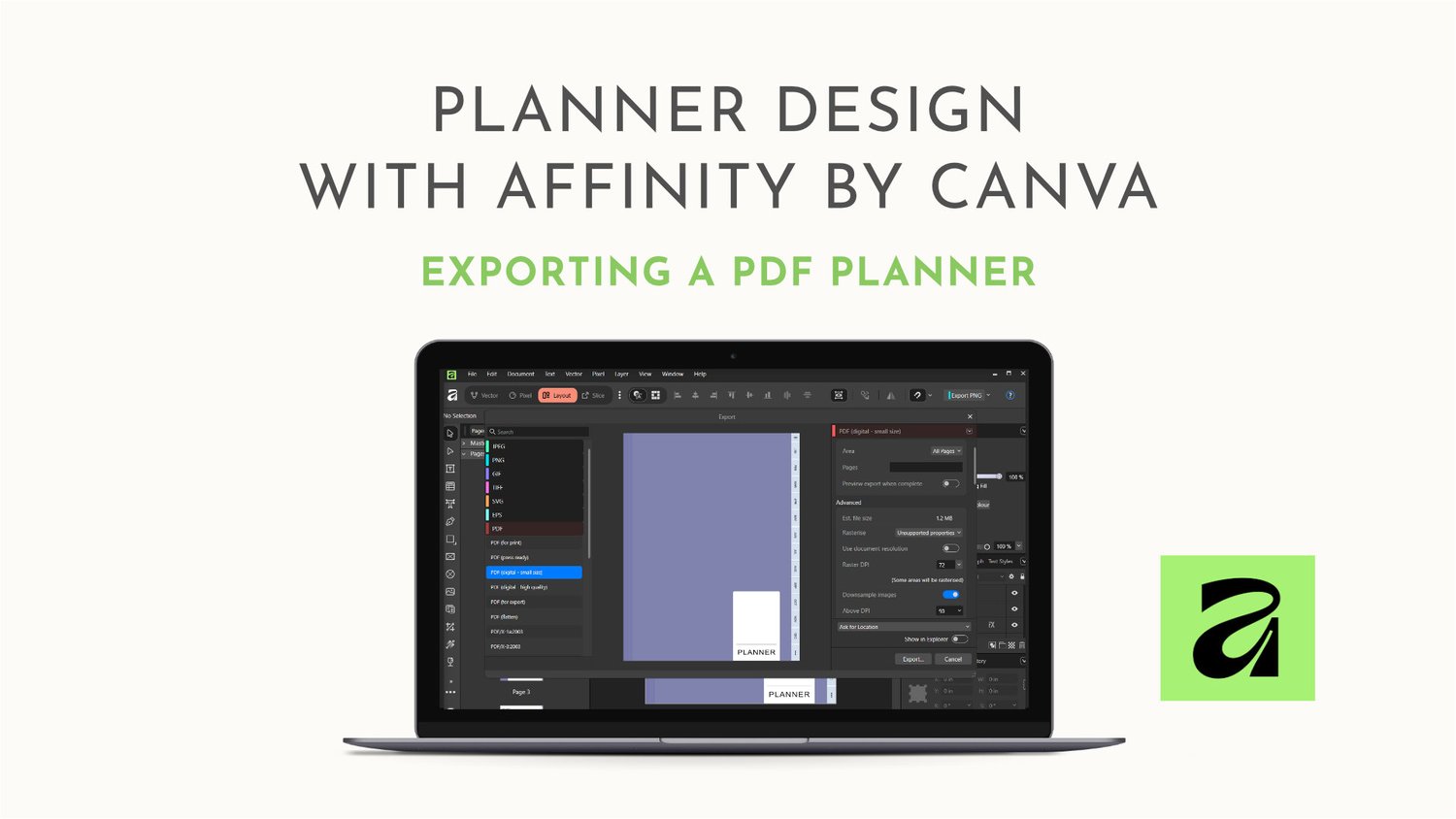
Author | Jackie The Preflight Check The Preflight Panel lists any errors found in the document. It will pick up things like: text frame overflowing i.e. text is too big for the its containerspelling mistakes Preflight has its own Preflight Panel. Yo...
Read More
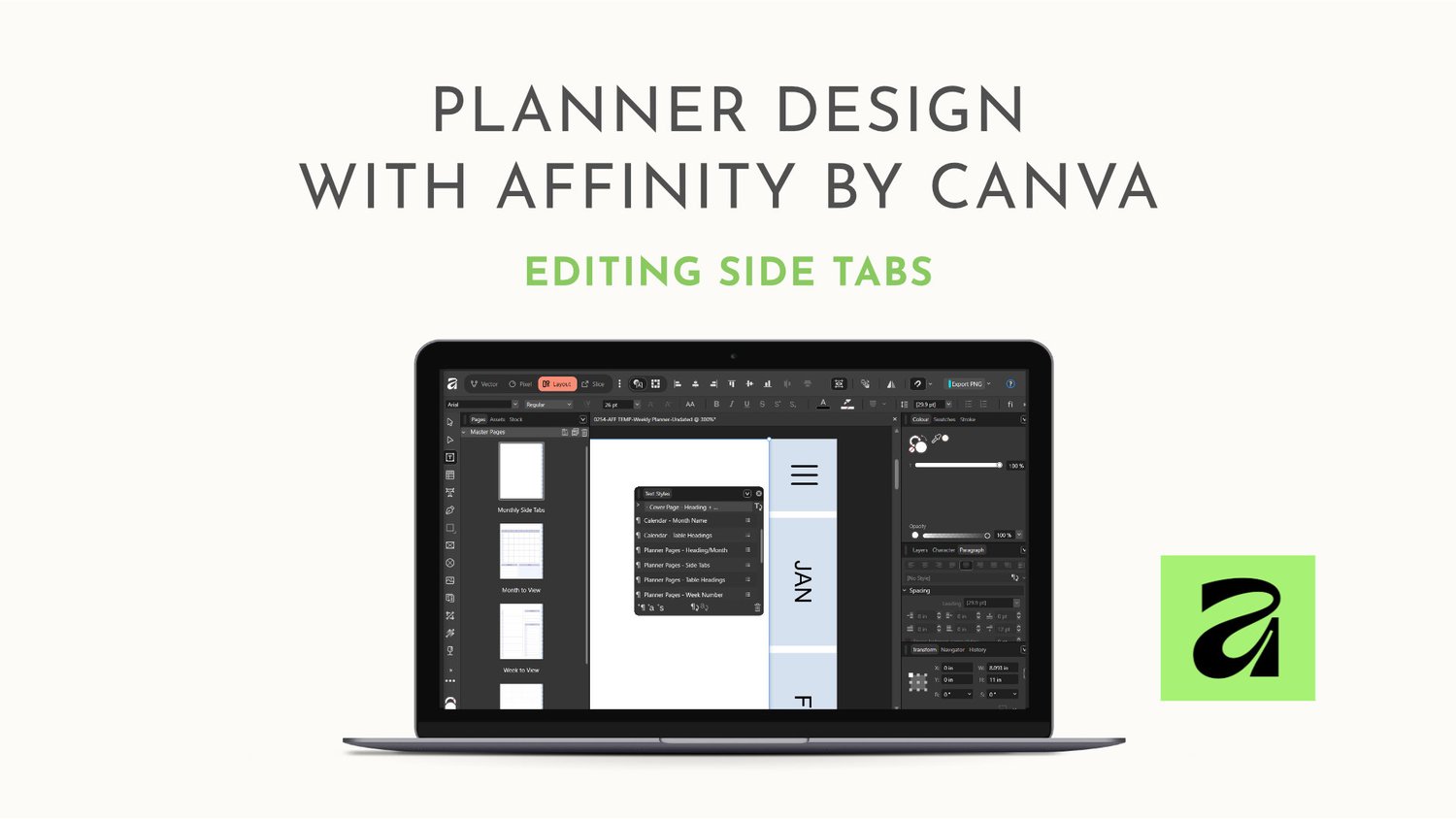
Author | Jackie Hyperlinked Side Tabs are an essential part of a digital planner's navigation structure. Customising Template Tabs Planner Tabs are normally put on to a Master Page. This is because the Tabs appear on all or nearly all of the...
Read More
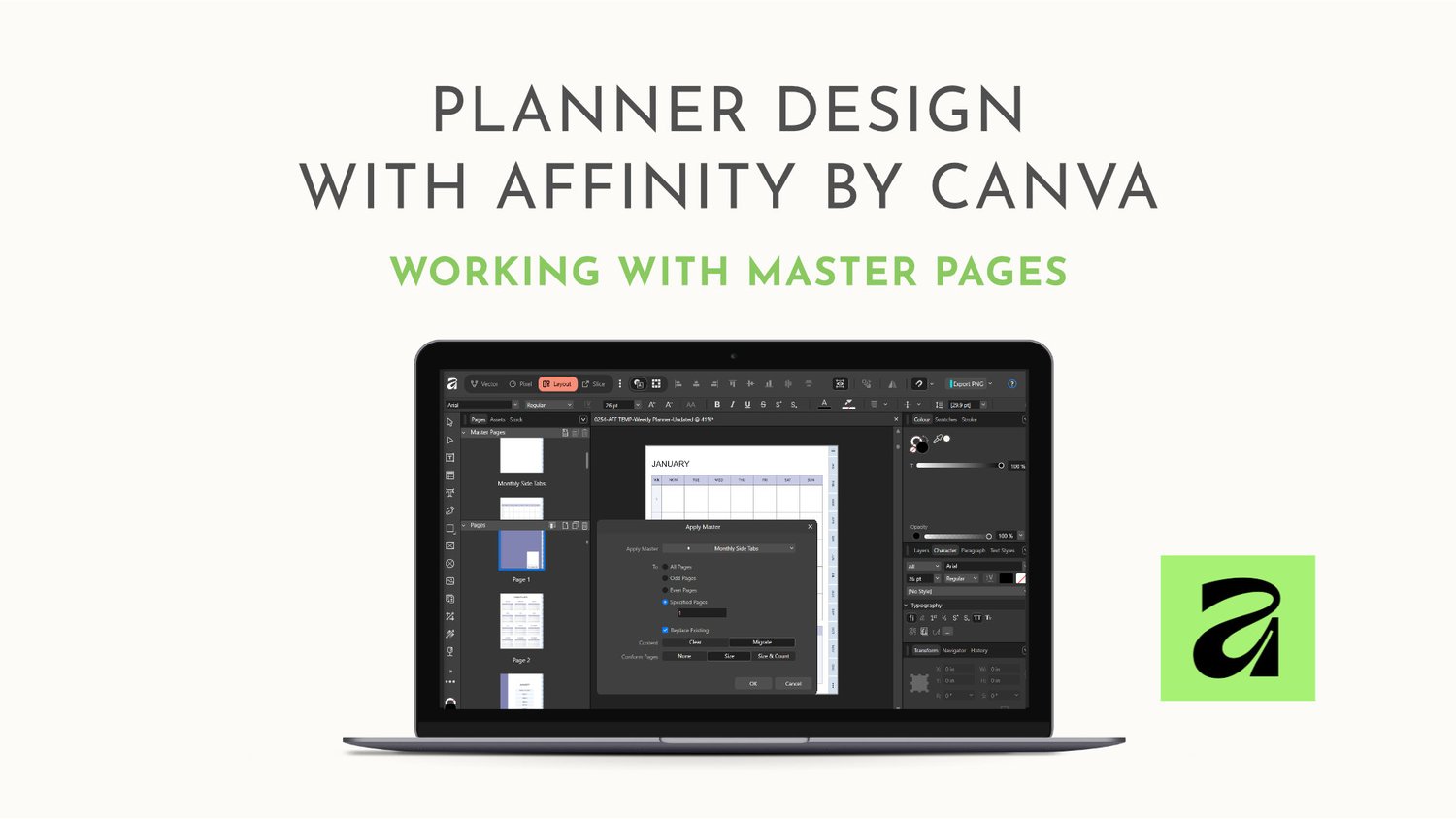
Author | Jackie What are Master Pages? Master Pages contain content you can 'apply' to others pages. They are basically a template for a page. In the case of digital planners, master pages are used to create hyperlinked tabs and page layo...
Read More
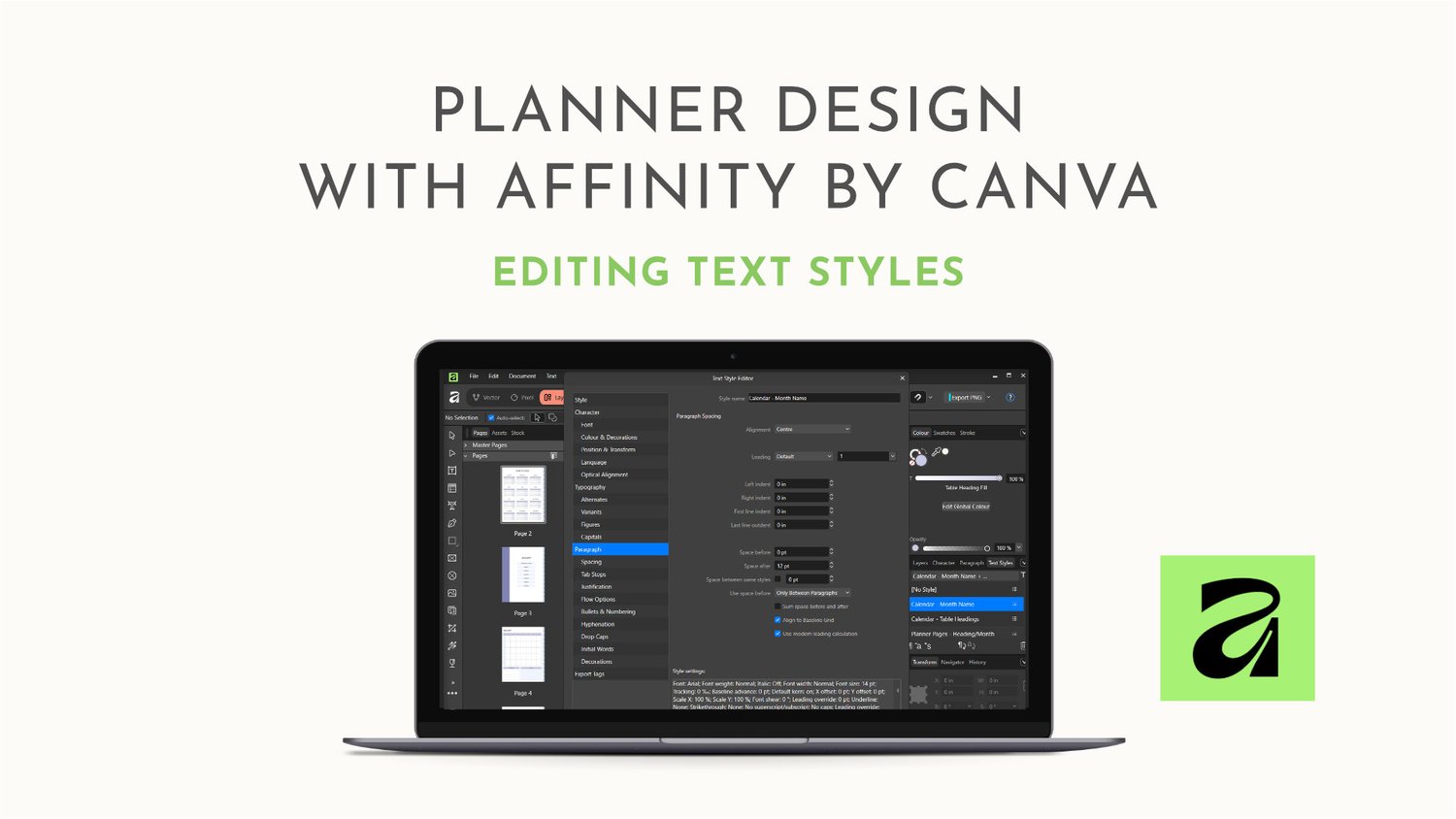
Author | Jackie In this blog post, we'll look at Text Styles. Like global swatches, Text Styles are a quick way to customise a template. Text Styles The Text Styles Panel lives alongside Character and Paragraph Panels on the right side of the...
Read More
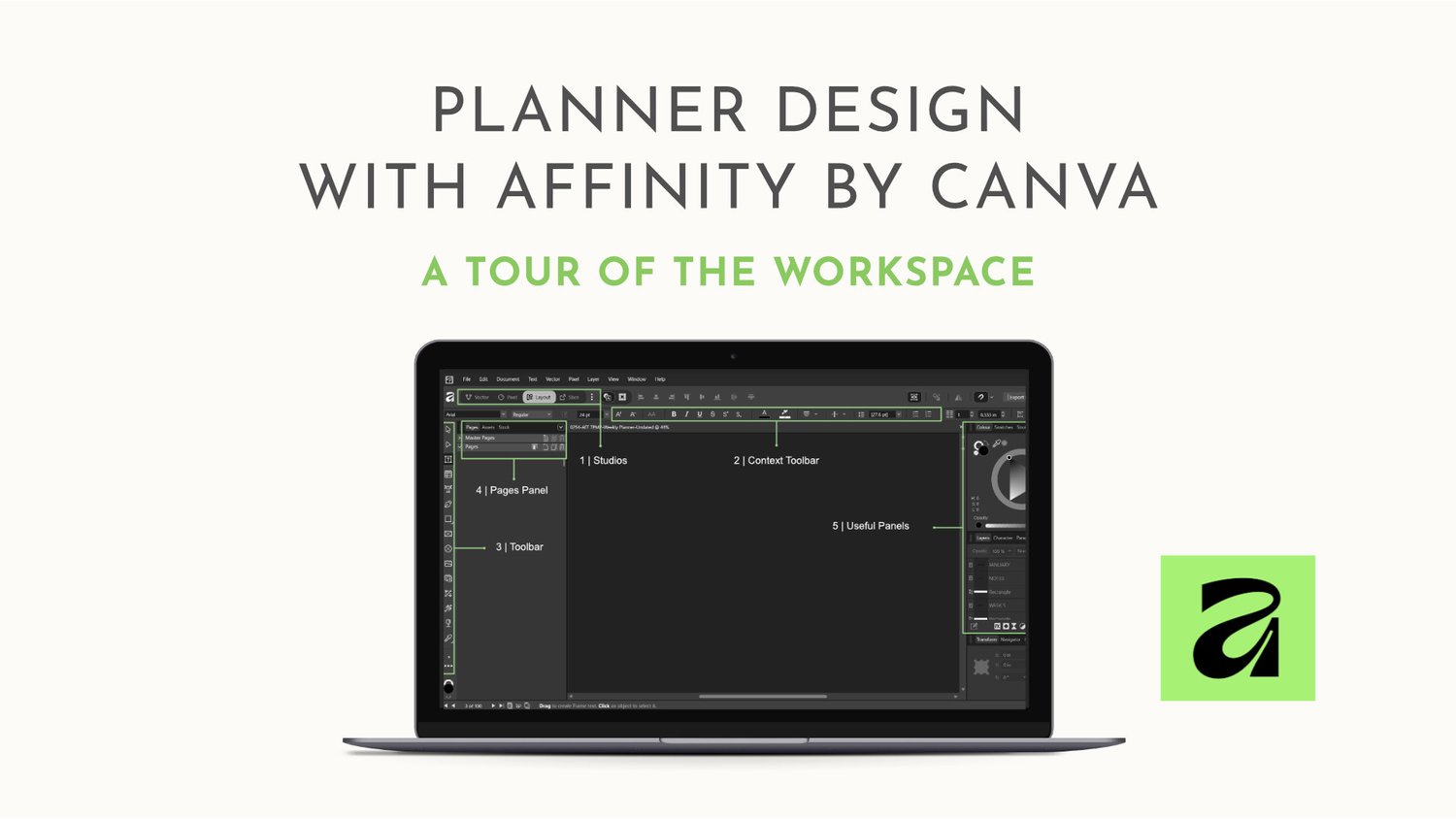
Author | Jackie Affinity Desktop Workspace In this post, we'll look at the Affinity Workspace, focussing on the key areas, tools and panels you need to be familiar with if you want to design digital planners and edit Affinity templates. Affi...
Read More
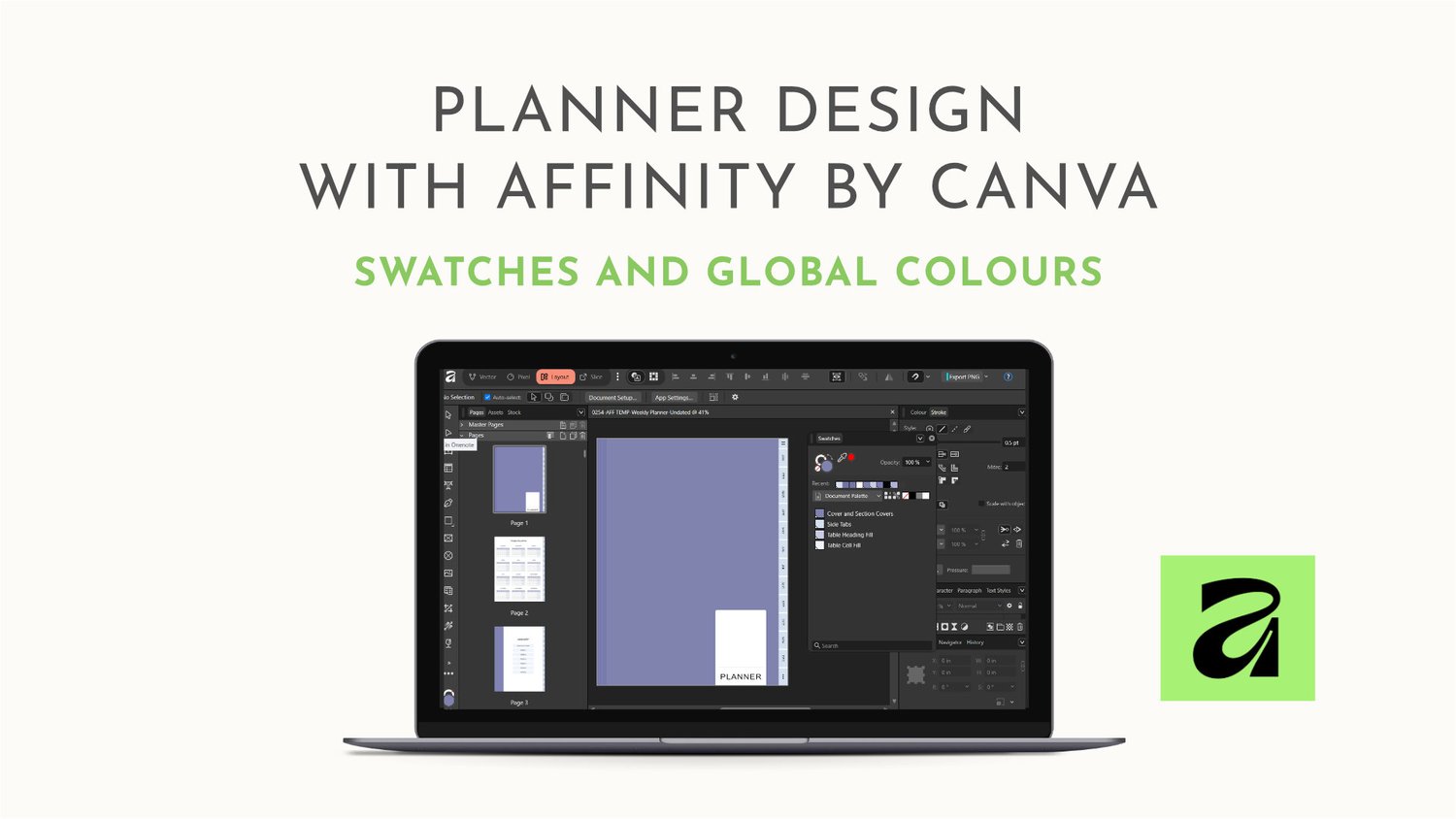
Author | Jackie This is an introduction to the Swatches Panel and Global Colours. It covers: 1 | Swatches Panel 2 | Swatches Panel Sections 3 | Palette Size 4 | Colour Palettes 5 | Global Swatches 6 | What do Global Swatches Look Like 7 | How do yo...
Read More
Author | Jackie Need to kickstart your digital planner creation? Stuck on where to start? Overwhelmed at the scale of the project? Frustrated that your dream planner is still on your to-do list after months of procrastination? Here are four ways you...
Read More

Author | Jackie How many times have you been excited about starting a digital planner business only to give up before you begin? Perhaps, you took one look at the software and ran for the hills! A digital planner has so many moving parts, wh...
Read More

Author | Jackie Understanding how to use Pages and Master Pages is fundamental to designing a digital planner. Pages after all hold the content of your planner. I think the most important aspect of Pages in Affinity Publisher (Version 2) for digit...
Read More
Author | Jackie The problem with adding a new product to your current offerings is finding the time. You may love the idea of adding a digital planner or journal to your signature program or service. But, you still have to run your business and wo...
Read More
Author | Jackie When you sit down to design your digital planner, you will need to think about not only who it is for but also what it will look like. If you are new to graphic design, struggle to put colours or fonts together, or aren’t sure even...
Read More
Author | Jackie Text Styles and digital planner design go hand in hand. If you’ve ever worked with a digital planner design file before, you will know how big they can get. Daily planners are over 400 pages. So, how does using text style hel...
Read More
Author | Jackie When it comes to being a digital planner designer, you have a range of software to choose from. Factors that influence your choice of software should include: how much the software costs and whether that is a one-off payment or an ...
Read More
Author | Jackie If you’ve been tempted to start designing your own digital planners but aren’t sure where to start, this guide is for you. We’ll look at the main components and tools you need for designing digital stationery: SoftwareStyleContentT...
Read More