

OneNote for Kanban Template
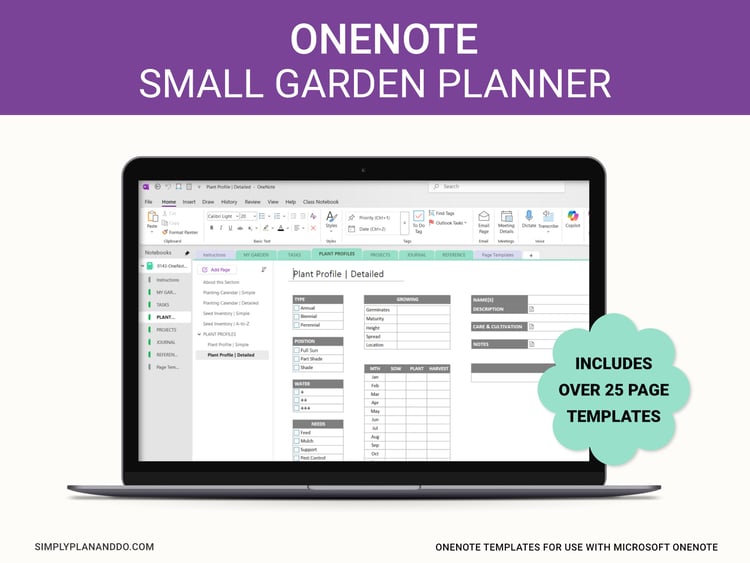
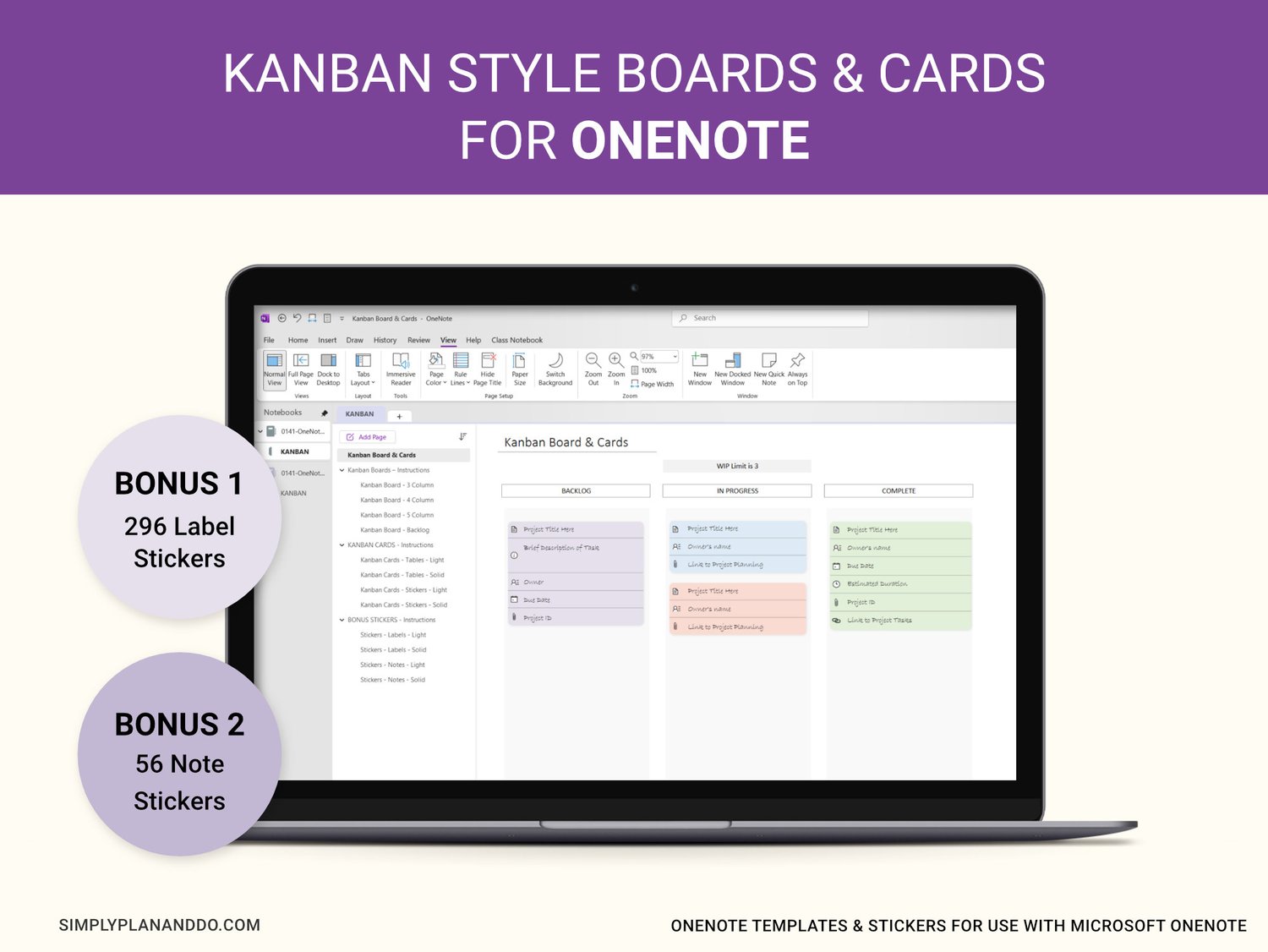
OneNote Template for Kanban. This kit is perfect for helping you visualise, streamline, and colour categorise your workflow on OneNote.
Kanban is a simple, visual way to streamline your workflow, identify priorities, and get tasks finished. This OneNote template is perfect for planning your tasks and work using the Kanban method of Boards and Cards.
WHAT’S INCLUDED
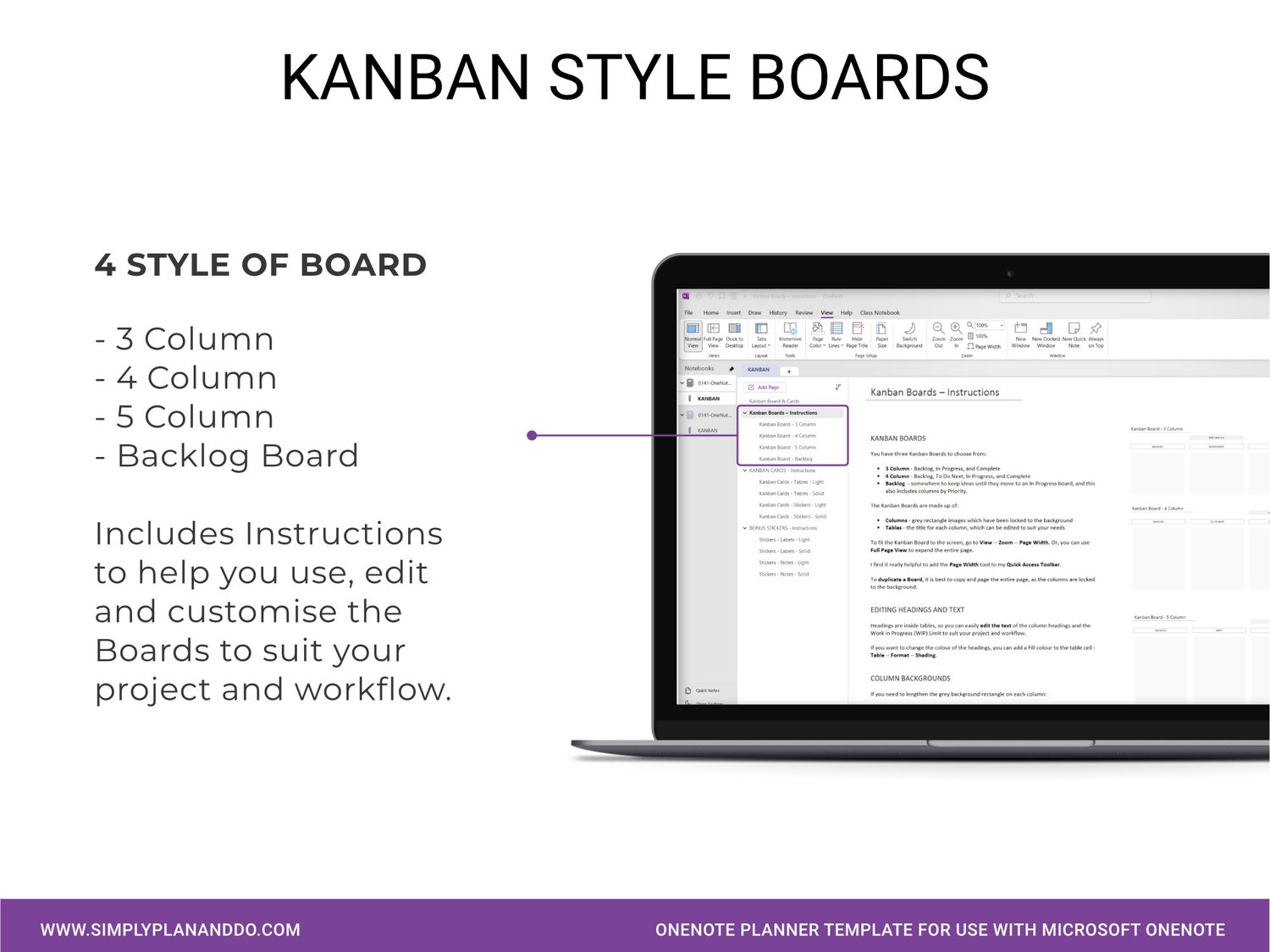
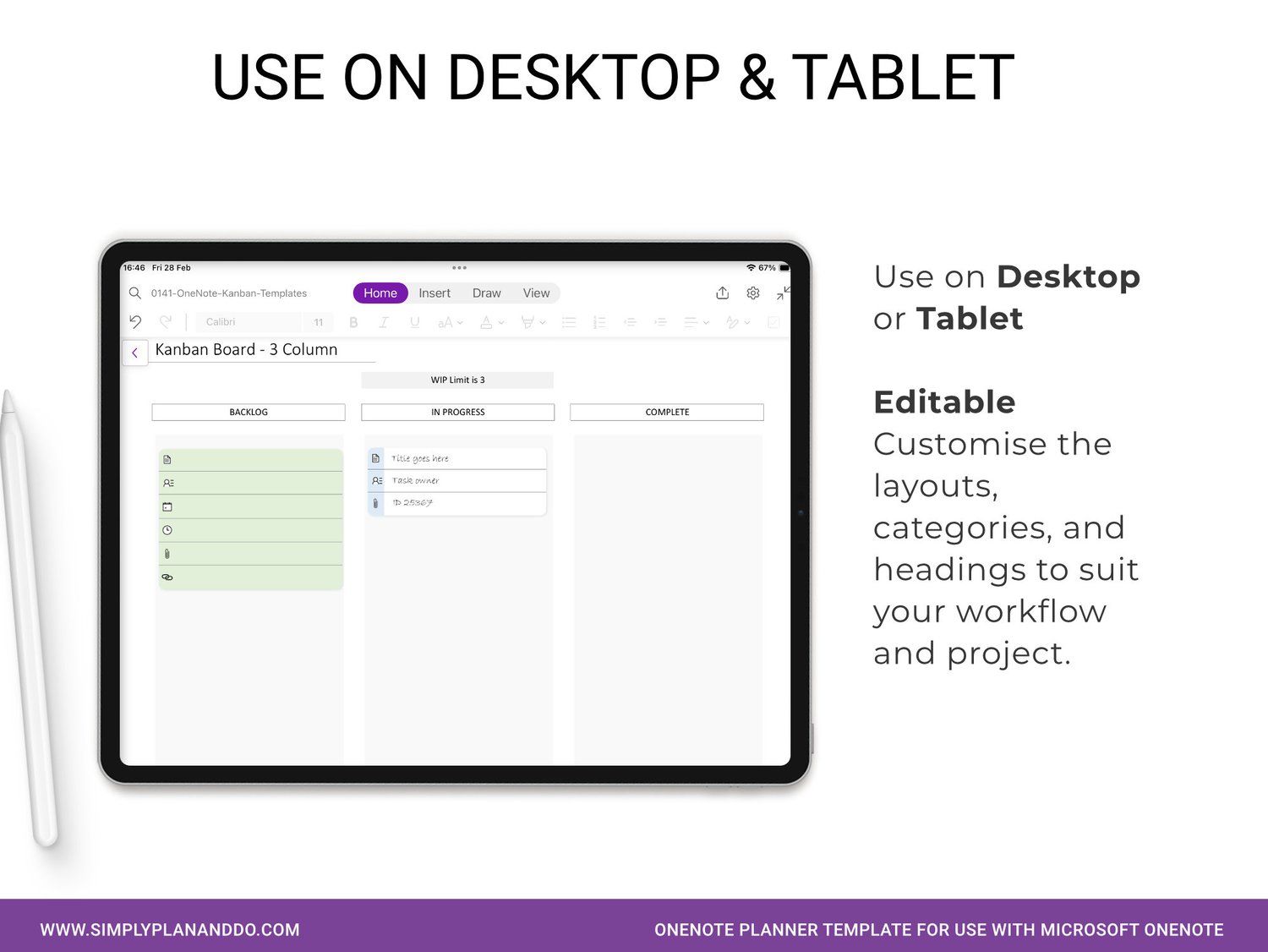
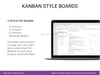
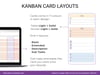
* 5 Kanban Board Layouts (3, 4, or 5-column all with a WIP limit, and a Backlog Board which includes columns to help you prioritise upcoming tasks).
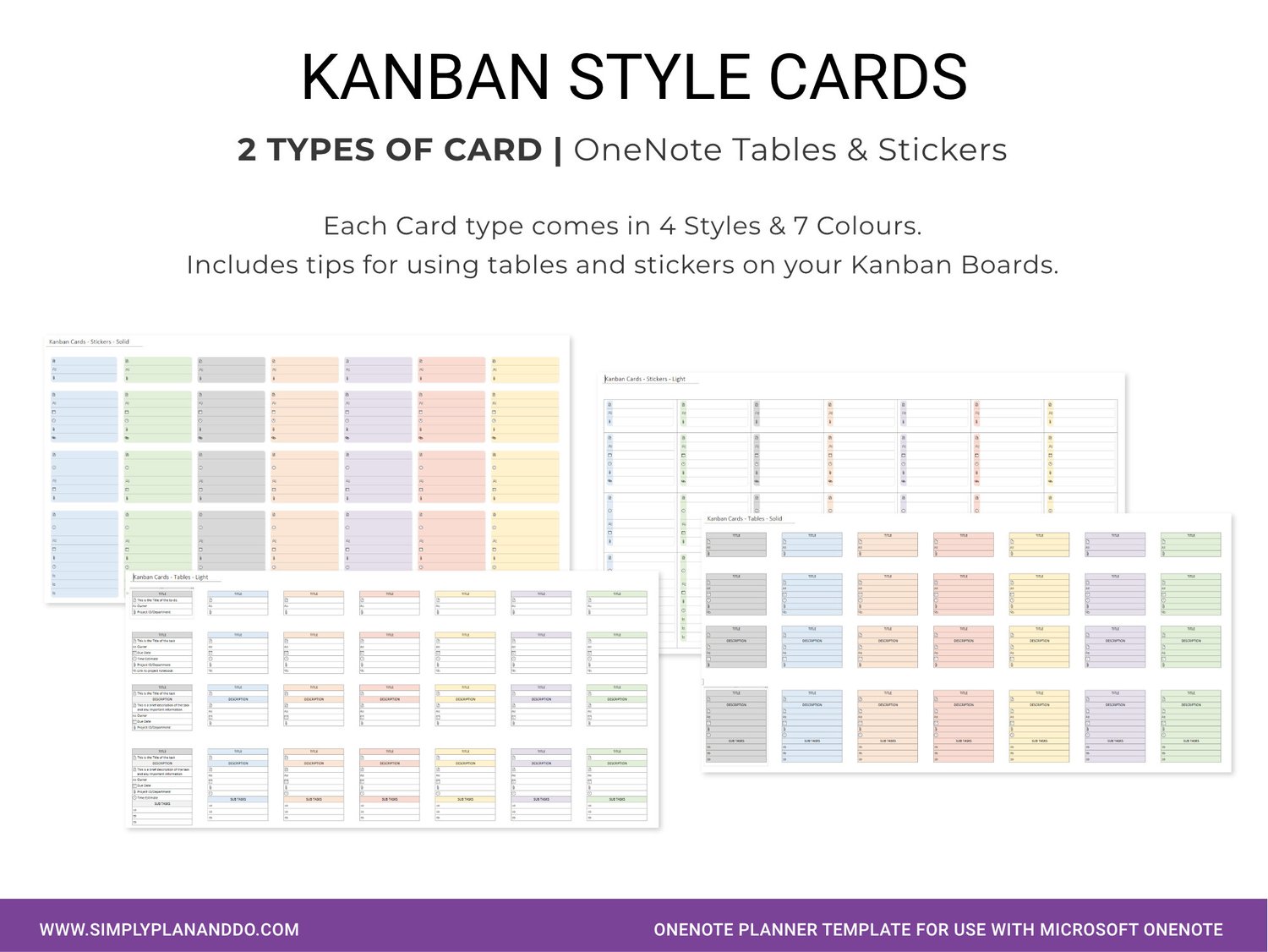
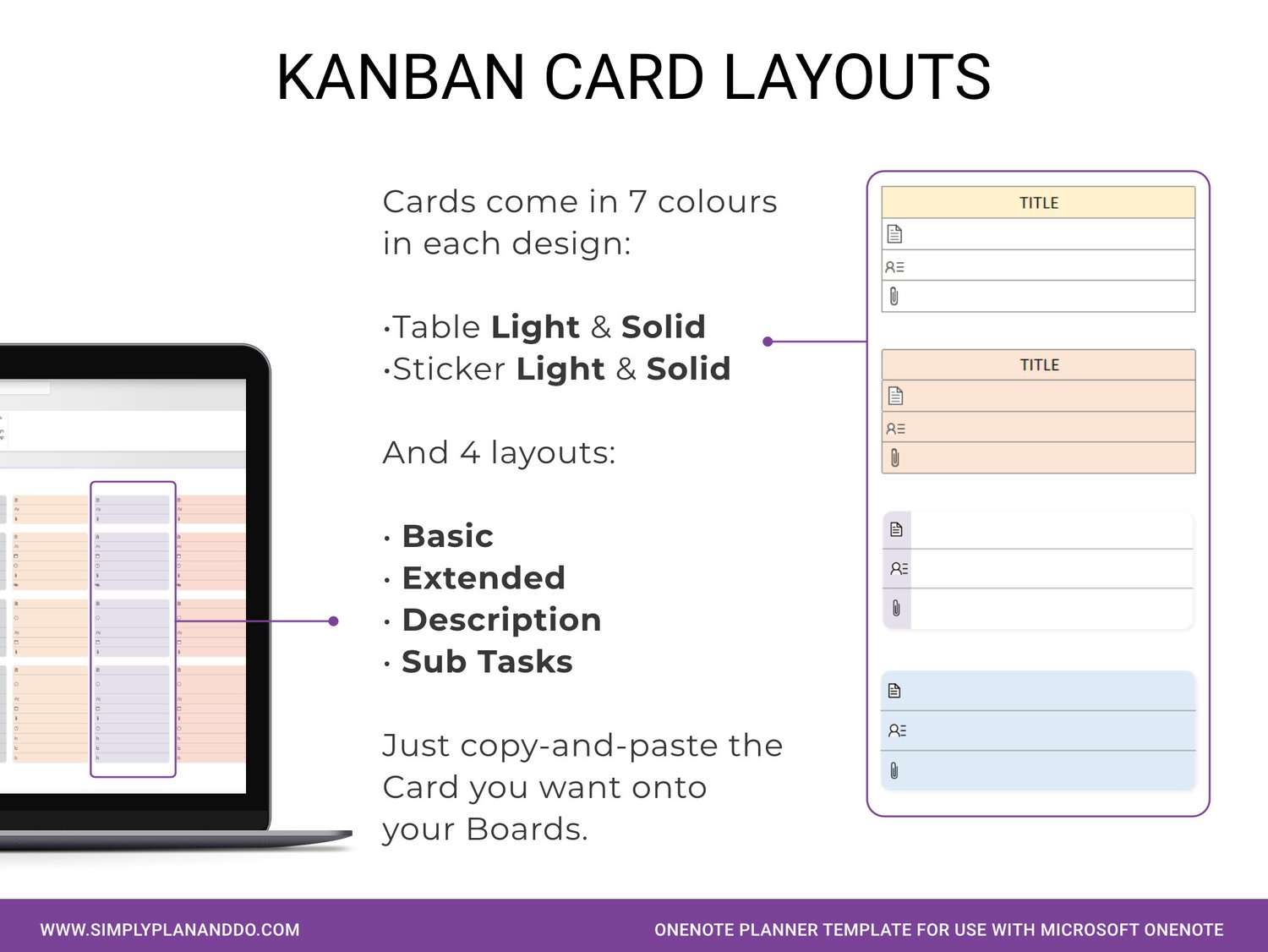
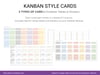
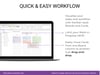
* 112 Kanban Cards. Just copy-and-paste the Card onto your Board. Easily drag-and-drop Cards between Board columns.
* The Cards come in OneNote Table format or Sticker format.
* There are two Card designs - Light and Solid.
* Cards come in 4 styles - basic, enhanced, description, and sub-tasks.
* The Cards come in 7 colours (matched to OneNote's colour palette)
* Each Section of the OneNote template includes instructions and tips for using the Boards and Cards.
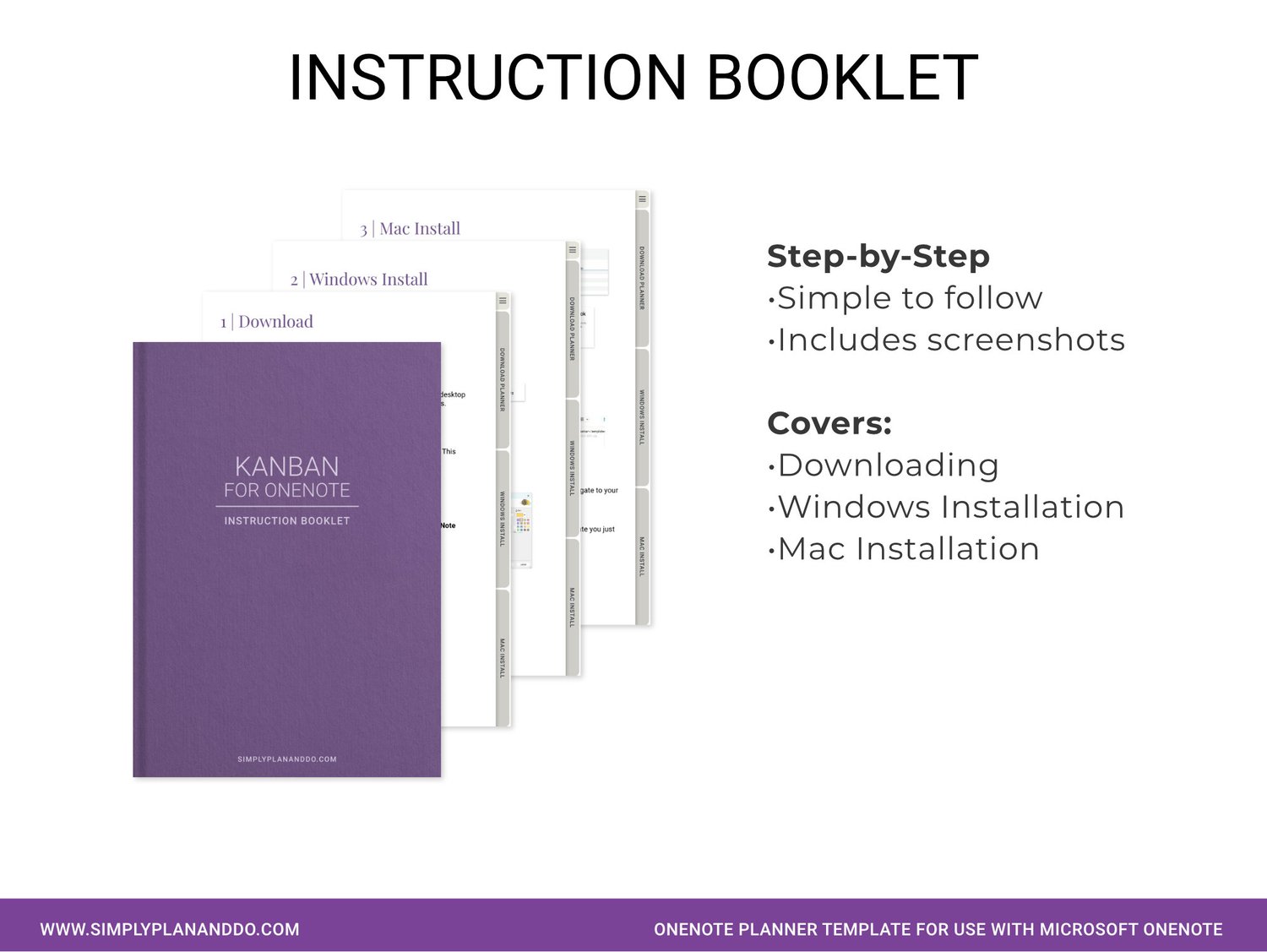
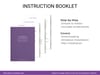
* An Instruction Booklet shows you how to install your new OneNote template on Windows & Mac.
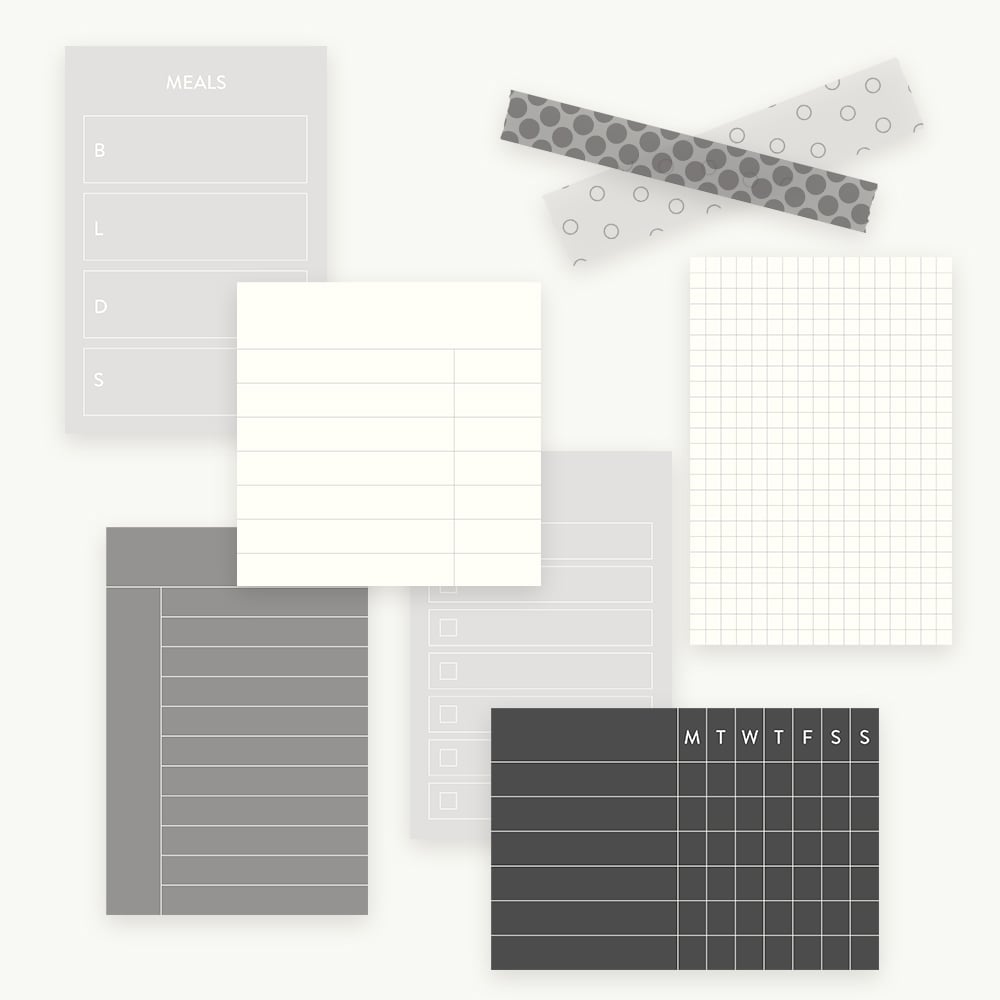
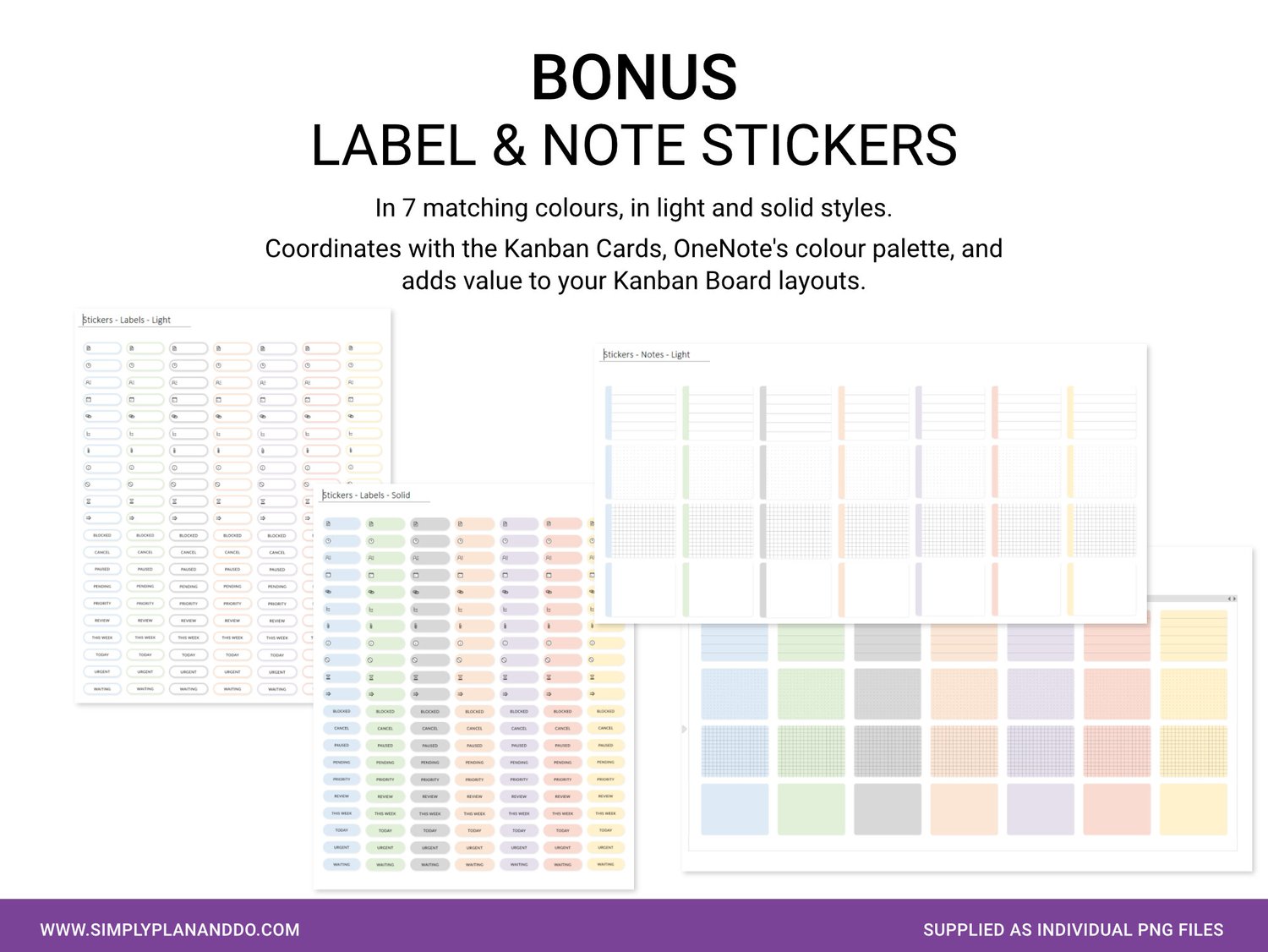
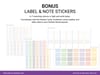
* BONUS Label and Note Stickers - over 300 label and note stickers, in matching designs and colours to coordinate with and enhance your Kanban Boards, Cards and workflow. The Lables and Notes also come in the Light and Solid design.
COMPATIBLE WITH
♥ OneNote for Windows and Mac
♥ Link to latest full version of OneNote included in Instruction Booklet
♥ Syncs with compatible devices including iPad and Android
NOT COMPATIBLE WITH
♥ PDF Annotating apps like GoodNotes or Noteshelf
TERMS
When you purchase this OneNote Planner Template, you purchase a single user personal licence. The template cannot be shared, resold, redistributed, or used in part or whole to create a new product.
REFUND POLICY
This is a digital product and as such, no refunds are given.
If you have any questions, please feel free to contact me before you purchase.
DISCLAIMER
This template is not affiliated with or endorsed by OneNote.